


Are QR Code Payments Safe for Small Businesses?

The safety question small businesses should ask
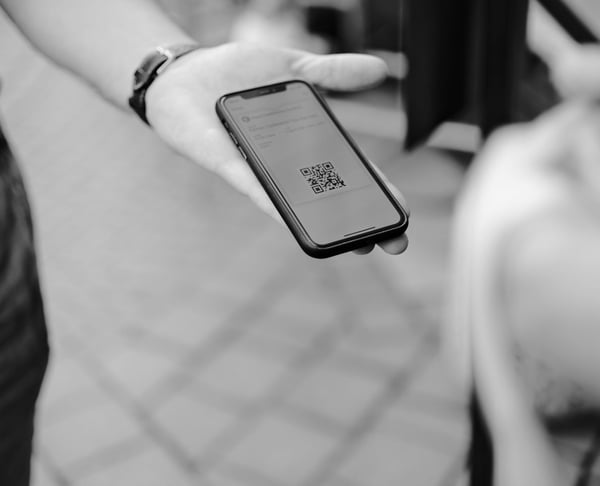
Are QR code payments safe? They can be safe when the QR code leads to a trusted payment page, the customer can clearly see who they are paying, and the business controls where the code is shown. The risk usually comes from unclear links, swapped stickers, fake payment pages, or customers scanning random codes without checking where they go.
For small businesses, safety is partly about technology and partly about trust. PaymentLink.io helps by sending customers to a branded payment page where the business name, payment details, and checkout process are clearer than a random-looking link.

What makes a QR payment safer
Safe QR payment starts with being clear. The customer should know what the QR code is for before scanning it, and they should recognize your business after the page opens.
Good signs include:
- Your business name appears on or near the QR code.
- Your payment page shows your business branding and a clear description.
- The amount, item, session, job or deposit is easy to understand.
- The URL looks expected and does not use a suspicious shortened domain.
- The payment page uses a safe checkout process through a trusted payment service.
The real QR code risks
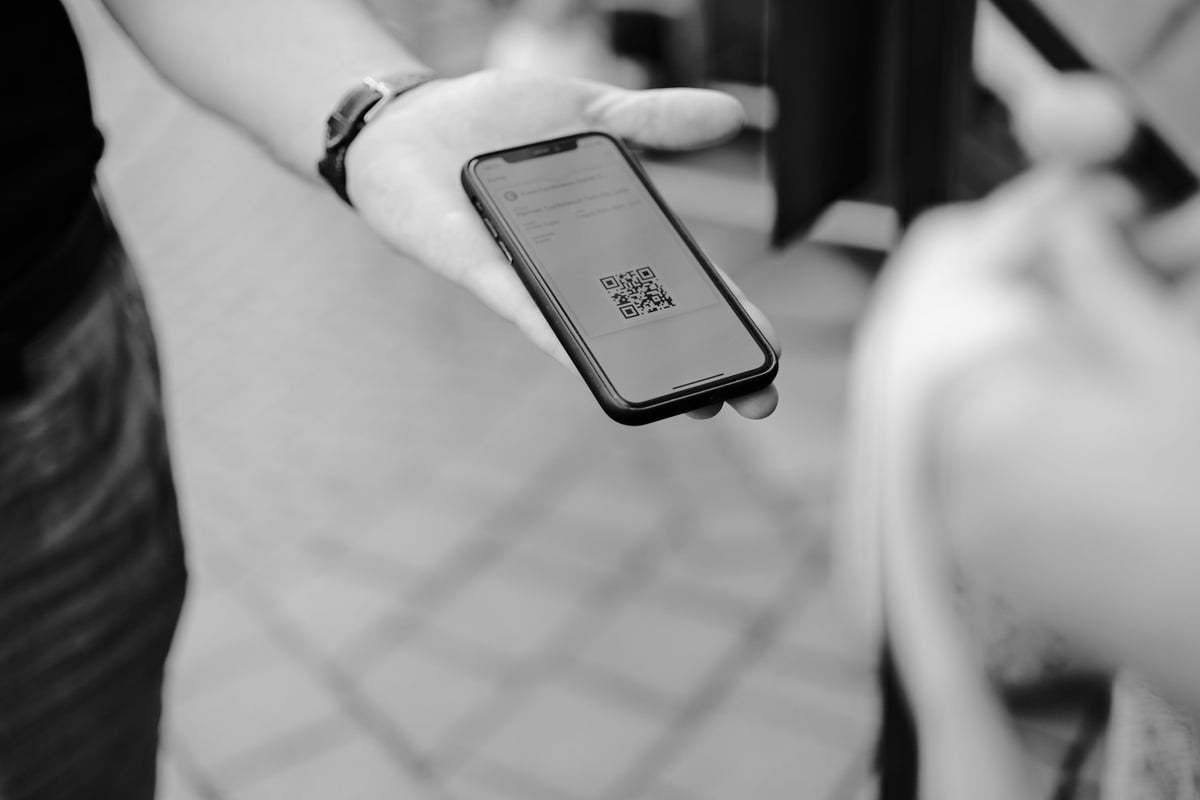
The National Cyber Security Centre explains that criminals may use QR codes to hide links to harmful websites, including in fake emails. This does not mean QR codes are unsafe by default. It means businesses should treat QR codes like any other payment instruction and make them easy to check.
Common risks include a fake QR sticker placed over a real one, an old printed code being reused after a change, or a customer being sent to a page that does not clearly match the business they expected to pay.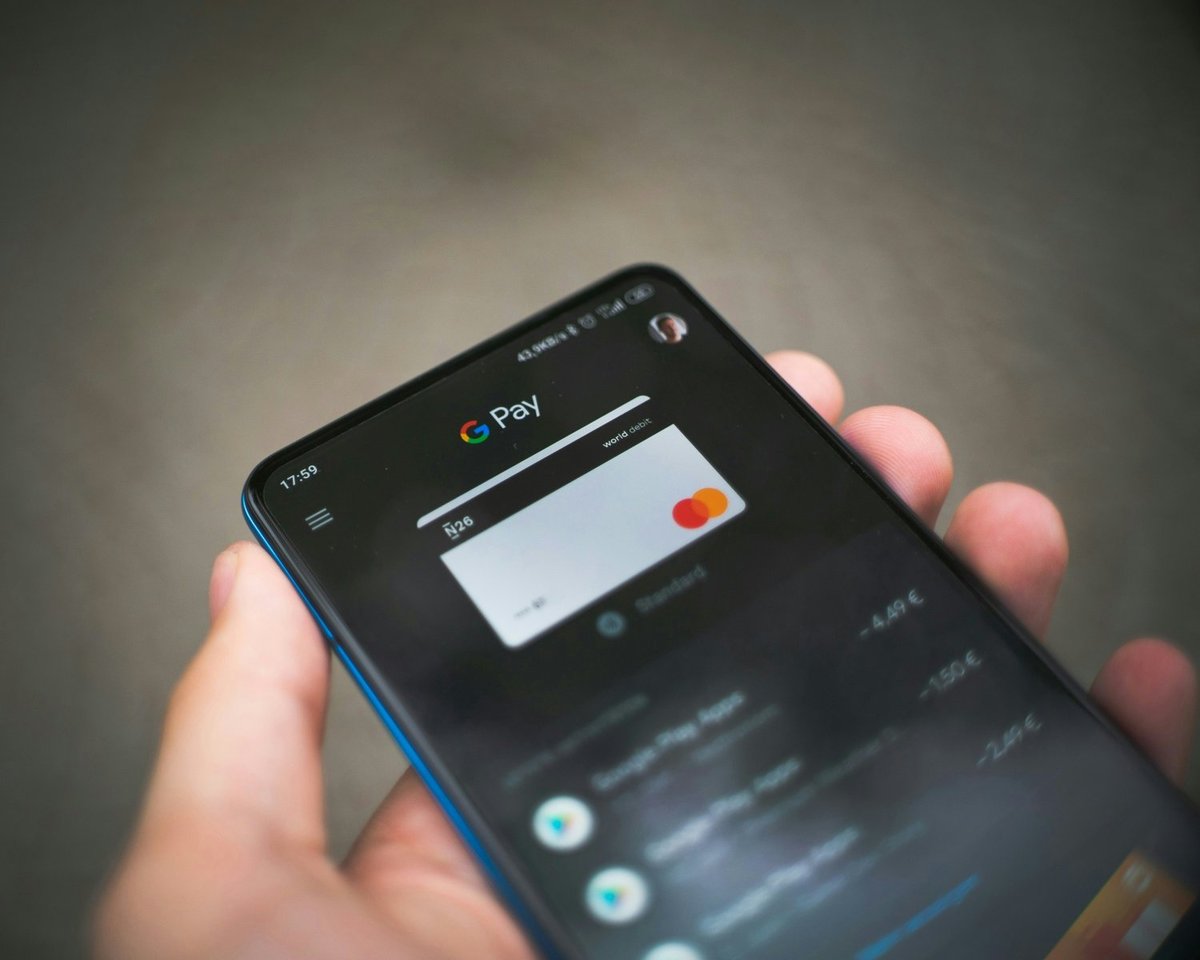
How branded payment pages reduce doubt
A branded payment page is important because customers are more likely to trust a page that feels linked to the business. If a customer scans a code at your studio, stall, or appointment and lands on a page with your business name and payment details, there is less doubt.
PaymentLink.io lets businesses create a payment experience that is easier to recognize than a generic payment request. You can use your payment page for repeat payments, a QR code for in-person payment, and a payment link for remote follow-up.
Safety checklist for small businesses
Use this checklist before you print or display any QR payment code:
- Make the QR code using your payment system, not a random generator you do not trust.
- Scan it yourself and check the destination page on a phone.
- Print the business name and payment instructions near the code.
- Use a display that is hard to tamper with when possible, especially in public places.
- Remove old QR signs when prices, pages or campaigns change.
- Train staff to check the code if a customer says the page looks wrong.
- Do not ask customers to enter card details on a page that is unbranded or looks suspicious.
What customers should check before paying
Customers also have a part to play. Encourage them to check the payment page before entering card details. The business name, amount, and reason for payment should match what they expect.
A simple line near your QR code can help: Scan to pay safely. Please check our business name and payment amount before confirming. That reassurance shows you care about payment safety.
When QR payments may not be ideal
QR payments are not the best choice for every transaction. If your customers often do not have smartphones, your location has poor mobile internet, or your checkout needs to handle many payments quickly, a card terminal or another payment option may still be better.
The point is to add a safer, clearer digital route where it fits, not to remove every other way to pay.
Using PaymentLink.io safely
With PaymentLink.io, you can create the QR payment around a recognizable payment page, a Stripe-supported checkout process, and a clear payment request. You can also check key features to see how payment links, QR payments, payment pages, and small online sales work together.
To make scan-to-pay feel trustworthy, start with your branded payment page and then add QR codes where customers already connect with your business.
How to maintain QR payment safety over time
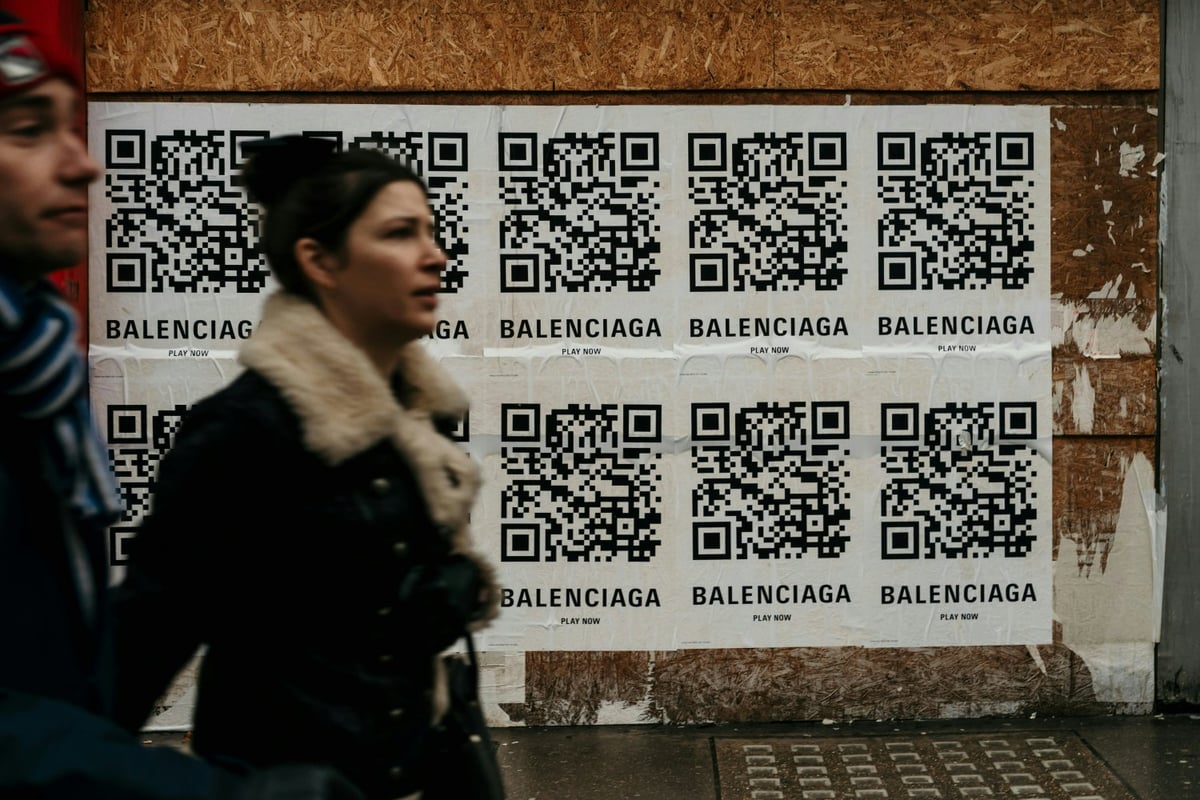
Security is not a one-time setup. If your QR code is printed on posters, menus, vans, signs, or reception desks, check it often. Publicly shown codes can be damaged, covered, moved, or copied.
Use a simple internal rule: every printed QR code should have an owner, a purpose, and a review date. If no one knows what a code does, it should not stay where customers see it.
Also keep customer support simple. If a customer asks if a payment page is real, staff should be able to explain what the correct page looks like and what business name should show.
- Review public QR codes monthly.
- Remove old signs after price or page changes.
- Avoid unlabelled QR stickers.
- Keep payment page branding consistent.
Before you make your safe QR payment process live
Treat the payment process as part of your visible service, not just an admin shortcut. View the page on a mobile phone, check the spelling of the offer or service name, and ensure the amount matches what the customer agreed to. A small mistake can create doubt at the very moment you want the customer to pay.
Next, test the process from the channel where customers will actually use it. If the customer receives it via WhatsApp, open the link in WhatsApp. If they scan a sign, print a draft QR code and scan it with a regular camera app. If they will pick from a small list, check that the item names make sense without you having to explain them in person.
Finally, keep the payment flow easy to maintain. Remove old links, update seasonal prices, and ensure staff or collaborators use the same approved wording. That consistency helps your branded payment destination feel trustworthy and makes the payment step easier to repeat as the business grows.
Use branded payment pages to create the customer-facing payment route, then keep improving the wording and placement based on the questions customers ask.
We’re fanatical about your success.
Start with a 30-day free trial - no restrictions, no monthly commitments or tie-ins.Start changing the way you take payments and make your life easier.


