


How to Create a Simple Online Shop for a Fixed Price List


Turn a price list into a pay-ready page.
A simple online shop for a small business does not have to be a full e-commerce website. If you sell a small set of fixed-price items, such as lessons, packages, treatments, deposits, event tickets, bundles, or add-ons, a simple online sales page can be enough for customers to select and pay.
With PaymentLink.io, a small business can use a simple online sales page to showcase products or services that are sold repeatedly without creating a full online store. It works best when customers do not need a complex shopping cart, special shipping rules, or many product options.
What belongs on a fixed price list
Start by separating fixed-price items from custom quotes. A simple online shop is most effective when the buyer can understand the item without a lengthy conversation.
Good candidates include:
- One-to-one consultation calls.
- Lesson blocks, coaching packages and training sessions.
- Deposits for bookings, events or custom work.
- Printed products, sample packs and standard bundles.
- Service add-ons such as extra images, priority turnaround or delivery.
- Workshop tickets, class passes or digital downloads.
Simple online shop for small business: what to include
Every item on the page should answer the customer's main questions before they pay. Keep each listing short but clear.
| Element | What to write |
|---|---|
| Item name | Use the phrase the customer recognises, such as a 60-minute coaching call. |
| Description | Explain what is included, who it is for, and any important restrictions. |
| Price | Show the price clearly and avoid hidden costs. |
| Next step | Tell the customer what will happen after they pay. |
| Contact route | Explain how customers can ask questions before paying. |
How to create the shop in practical steps
Follow these simple steps:
- Choose 5 to 12 items from your existing price list.
- Write a short title and plain-English description for each item.
- Group similar items, such as sessions, deposits, add-ons and packages.
- Add clear prices and any rules that affect delivery or booking.
- Create a payment route for each item.
- Test the page on a mobile phone before sharing it.
- Link to it from Instagram, WhatsApp, email signatures, invoices or a QR code.
Why small shops work well on mobile
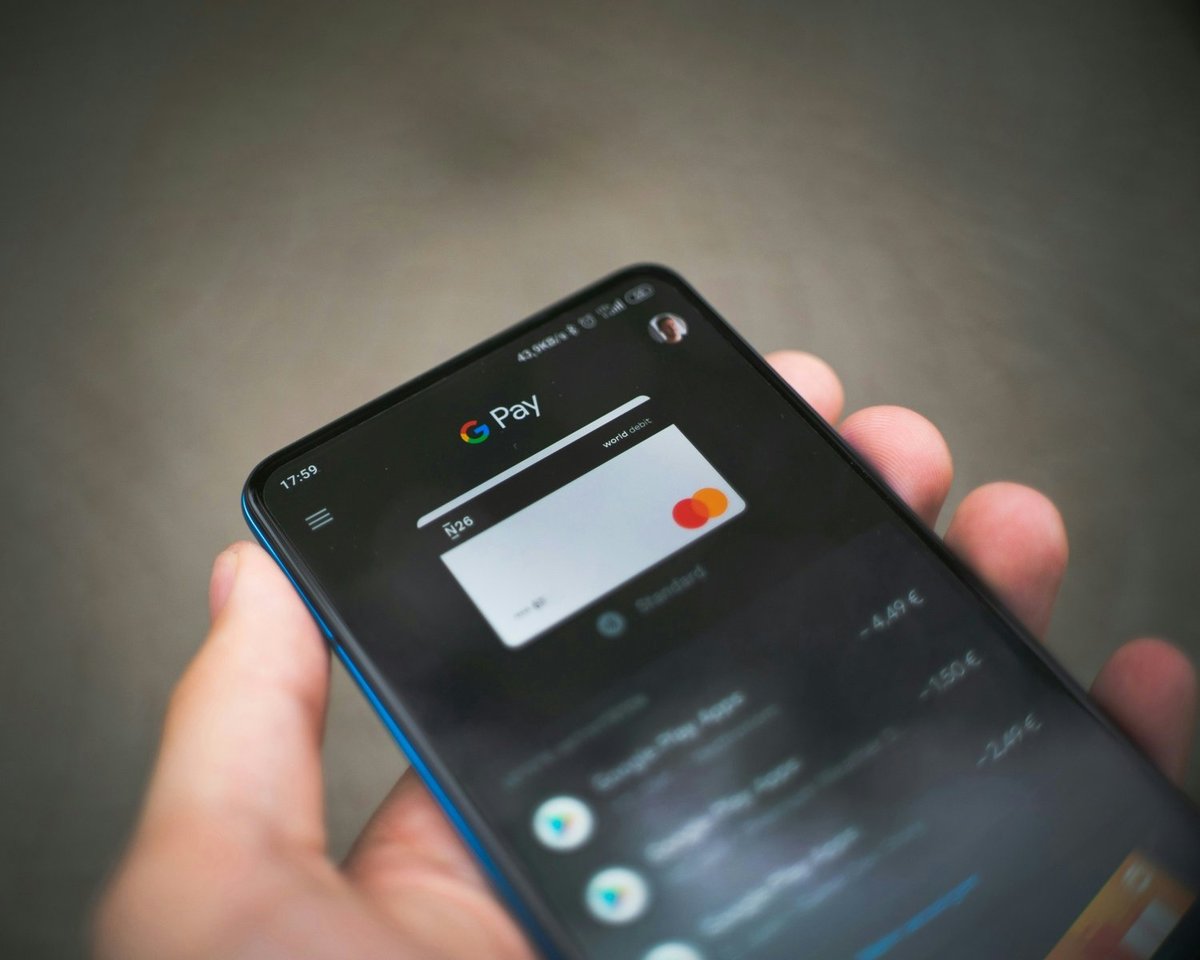
More and more customers expect to pay by phone. UK Finance reported that 75% of UK adults used mobile banking in 2024, and mobile wallets continued to grow. A small, phone-friendly payment page can make it easier to move from deciding to paying.
This is important for service businesses because sales often start in message chats. If someone asks for your price list, you can send a page where they can pick and pay, rather than sending a long list of bank transfer details.
When you should use payment links instead
A fixed-price shop is not right for every sale. If every order is custom, if the price depends on measurements, or if you need to approve the customer before payment, a single payment link might work better.
For custom work, create a detailed payment link with the agreed description and price. For repeat offers, keep them on your small online sales page.
How PaymentLink.io helps
PaymentLink.io supports fixed-price pages, payment links, and QR code payments, all from a single branded setup. This means you can have a small shop-style page for regular offers, a branded payment page for general payments, and a QR code payment for in-person sales.
You can also check prices to decide whether a simple payment setup is easier than building a full online store before you have many products.
Launch with fewer items, not more.
Many small businesses start with too many items. A better approach is to launch with the items customers ask for most often. You can always add more later.
Start with a short fixed-price list and create your small online sales page so customers can pick and pay without waiting for a manual response.
How to organise products and services on the page
A simple online shop should be easy to browse. Group related items together, use short names, and keep descriptions consistent. If one item has a long explanation and another only a few words, customers may pause and ask questions.
Limit choices at first. Too many options can make a small page feel overwhelming. Start with your most popular items and add more only when customers ask.
For service businesses, use package names that match what customers say. A parent may understand Five Maths Lessons more quickly than Standard Tuition Package A.
- Group offers by type.
- Use consistent descriptions.
- Remove old or seasonal items quickly.
- Test the page on mobile before sharing.
Before you make your fixed-price shop page live
Treat the payment process as part of your service, not just an admin shortcut. View the page on a phone, check the spelling of the offer or service name, and ensure the price matches what the customer agreed. A small mistake can create doubt at the very moment you want the customer to pay.
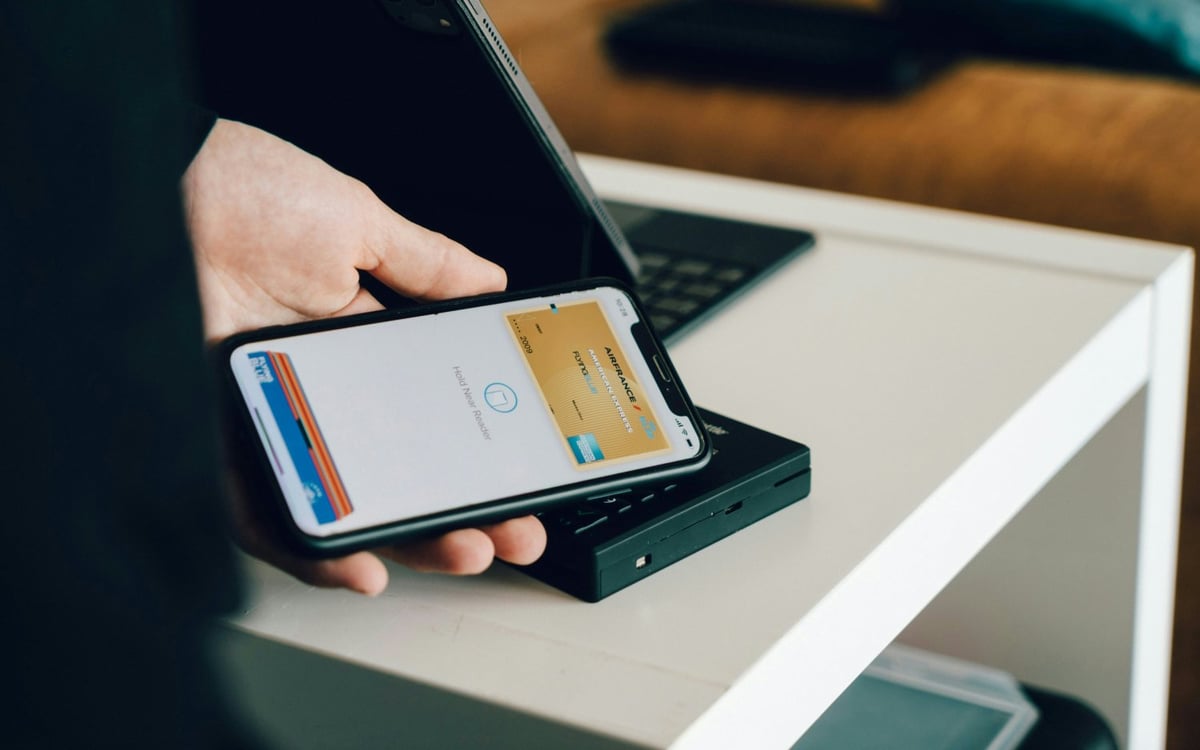
Next, test the payment link from the channel customers will use. If they receive it via WhatsApp, open the link in WhatsApp. If they will scan a sign, print a test QR code and scan it with a standard camera app. If they will pick from a short list, check that the item names make sense without you explaining them in person.
Finally, keep the payment process easy to manage. Remove old links, update seasonal prices, and ensure staff or helpers use the same approved wording. This consistency helps your simple online shop feel trustworthy and makes paying easier as your business grows.
Use small online sales pages to create the payment path customers see, then keep improving the wording and layout based on the questions customers ask.
We’re fanatical about your success.
Start with a 30-day free trial - no restrictions, no monthly commitments or tie-ins.Start changing the way you take payments and make your life easier.


