


How to Send a Payment Request After a Customer Enquiry
A practical look at how businesses can respond to customer enquiries with a simple payment request using Payment Link.
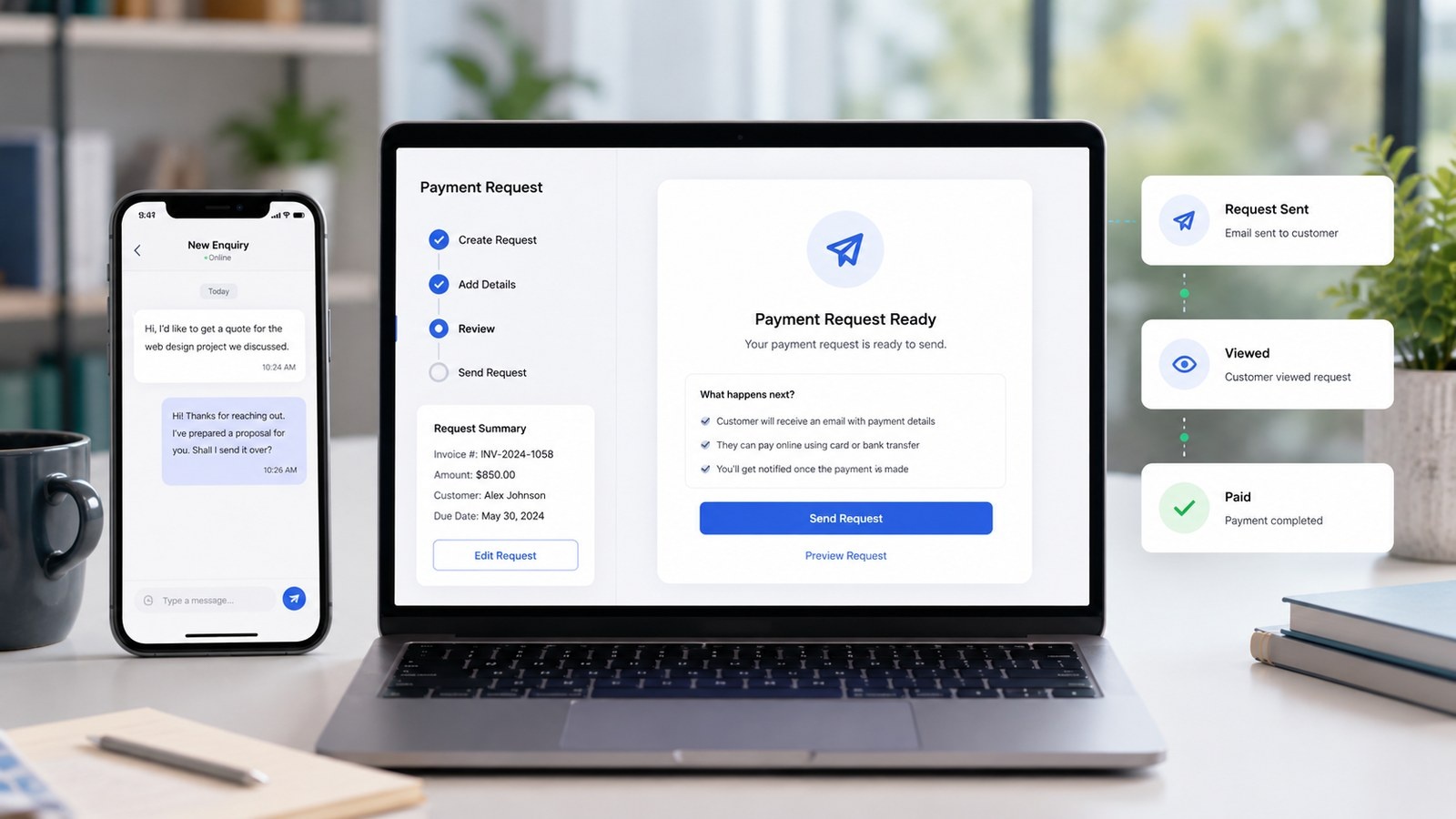

When a customer asks for a price, availability or booking slot, speed matters. The faster you respond with a clear payment option, the easier it is for the customer to confirm.
With Payment Link, you can create a payment request based on the agreed amount and send it straight back to the customer. This works well for quotes, deposits, bookings, custom orders and one-off services.
The key is to keep the message simple. Confirm what the payment is for, include the amount and give the customer the payment link. This makes the next step obvious and helps move the enquiry into a confirmed sale.
We’re fanatical about your success.
Start with a 30-day free trial - no restrictions, no monthly commitments or tie-ins.Start changing the way you take payments and make your life easier.
No credit card required
30-day free trial







© 2026 PaymentLink.io - makes it easy. • Privacy Policy • Cookie Policy • Terms and Conditions • Your Privacy Choices