


Do You Need a Merchant Account to Accept Online Payments?
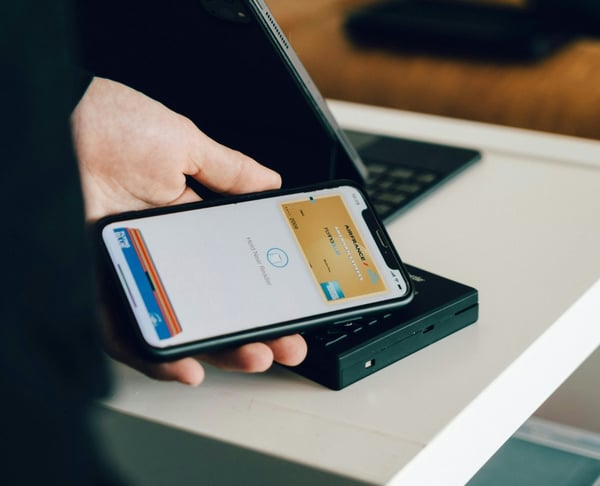

The short answer for small businesses
Do I need a merchant account to accept online payments? In many modern setups, you do not set up a separate traditional merchant account directly with a bank. Instead, you use a payment provider or gateway that takes care of most of the signup and payment processing for you.
With PaymentLink.io, you connect your own Stripe account and use PaymentLink.io as the branded payment request, payment page, QR payment and micro-commerce layer. PaymentLink.io is not a payment processor or bank. Stripe is the payment infrastructure behind the payment flow.
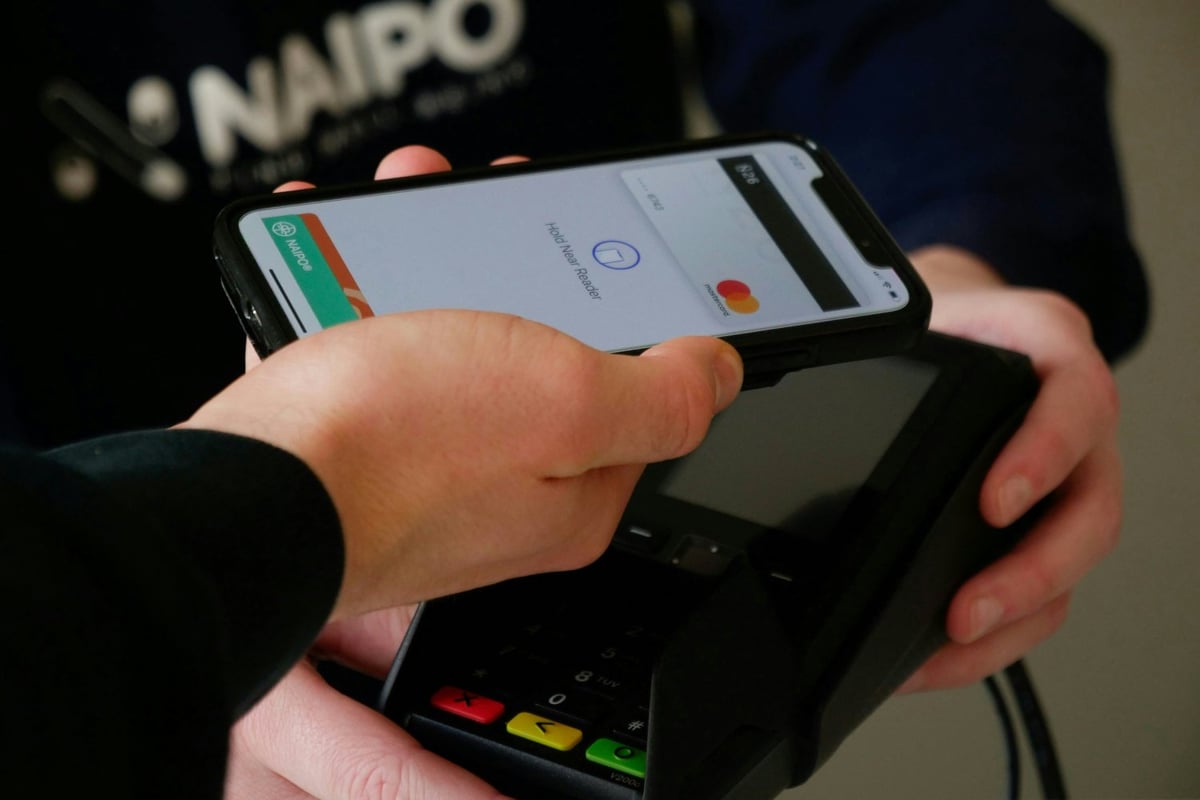
What a merchant account means
A merchant account is a component of the card payment system allowing a business to accept card payments. In traditional card acquiring, a merchant collaborates with a bank or payment service provider to approve, process, and settle card transactions.
The Payment Systems Regulator describes card acquiring services as part of the system that lets merchants accept card payments. For small businesses, the key point is that card payments require regulated payment systems.
Why modern payment providers changed the setup
Many small businesses now use payment providers that make signing up easier. Instead of setting up a direct merchant account yourself, you create an account with a provider, complete checks, link your bank details, and use their tools or connections.
This does not mean there are no checks, rules, or fees. It means the setup is usually simpler than traditional merchant account processes.
Merchant account vs payment provider vs payment page
| Term | Plain-English meaning | What the business sees |
|---|---|---|
| Merchant account | The basic setup that lets card payments be accepted. | Often handled behind the scenes by a provider. |
| Payment provider | The approved payment system or gateway that handles payments. | Setting up accounts, checks, fees, payments to you, and payment options. |
| Payment page | The page customers see when they make a payment. | Brand name, details, amount, and payment process experience. |
| PaymentLink.io | A branded payment process built on Stripe. | Payment links, QR code payments, branded payment pages, and small online sales. |
What you need in practice to accept online payments
Most small businesses need:
- A registered business or sole trader setup that meets the payment provider's checks.
- A payment provider account, such as Stripe, is supported.
- A connected bank account for payouts.
- A customer-facing payment route, such as a payment link or payment page.
- Clear pricing, service descriptions and refund or cancellation information where relevant.
- Basic records for accounting and tax purposes.
How PaymentLink.io fits into this stack
PaymentLink.io does not replace Stripe. Instead, it works with your connected Stripe account and helps you create easy-to-use payment processes. You can send a payment link, use a branded payment page, show a QR code for payment, or sell fixed-price items through small online sales.
This makes it useful when your main issue is not the payment system, but how customers experience requesting and making payments.
Security and payment authentication
Online card payments are subject to security expectations such as Strong Customer Authentication. The Financial Conduct Authority explains that SCA rules are intended to enhance payment security and limit fraud during authentication.
As a business owner, you do not need to create those systems yourself when using a trusted provider. But you should use clear, reliable payment pages and avoid sending customers to confusing or untrusted checkout pages.
When you may need specialist advice
Some businesses have more complicated needs. Regulated industries, high-risk areas, marketplace setups, subscriptions, international sales, or large transaction amounts may need expert payment advice. PaymentLink.io does not provide legal, tax, or compliance advice.
For many small service businesses, however, the practical question is simpler: can I connect my payment provider and give customers an easy way to pay?
A practical route forward
Set up your Stripe account, link it to PaymentLink.io, create a branded payment page, and try a small payment request. Check the payment details, confirmation, and customer experience.
To start accepting payments without creating a custom checkout, try branded payment pages and make a payment process that customers can easily follow.

Questions to ask before choosing a payment setup
Before choosing a payment setup, ask what you want customers to do. Do they need to pay a fixed amount, a custom price, a deposit, a regular fee, or a payment in person? The answer helps decide the right tool.
Also, check how payments to you, fees, refunds, disputes, and account checks work with your payment provider. These details are not part of the payment page but affect how your business runs.
For most small businesses, a good setup combines reliable payment infrastructure with a clear customer-facing payment page.
- Understand provider fees.
- Check verification requirements.
- Use clear payment descriptions.
- Keep accounting records separately.
Before you make your online payment setup live
Treat the payment process as a part of your service that customers see, not just an admin shortcut. View the page on a mobile phone, check the spelling of the offer or service name, and make sure the amount matches what the customer agreed to. A small mistake can cause doubt when you want the customer to pay.
Next, test the payment method that the channel customers will use. If customers get it by WhatsApp, open the link there. If they scan a sign, print a draft QR code and scan it with a regular camera app. If they pick from a small list, make sure the item names are clear without you having to explain them in person.
Finally, keep the payment process easy to manage. Remove old links, update seasonal prices, and make sure staff or helpers use the same approved wording. This consistency makes your payment process feel trustworthy and easier to repeat as your business grows.
Use branded payment pages to create the payment process customers see, then keep improving the wording and layout based on customers' questions.
We’re fanatical about your success.
Start with a 30-day free trial - no restrictions, no monthly commitments or tie-ins.Start changing the way you take payments and make your life easier.


