


Payment Link vs QR Code: Which Should You Use and When?

Two routes to the same payment page
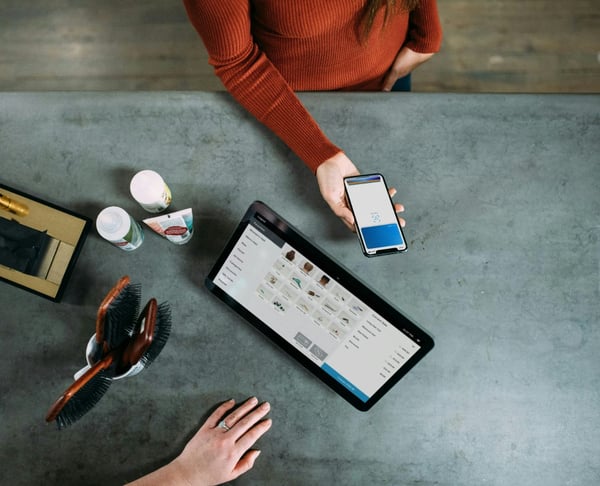
Payment link vs QR code is not really remote payment vs in-person payment. Both can take a customer to a payment page. The difference is how the customer gets there. A payment link is clicked. A QR code is scanned.
PaymentLink.io supports both. You can send a payment link by email, WhatsApp or SMS, and use QR code payments when the customer is standing in front of you.
What is a payment link?
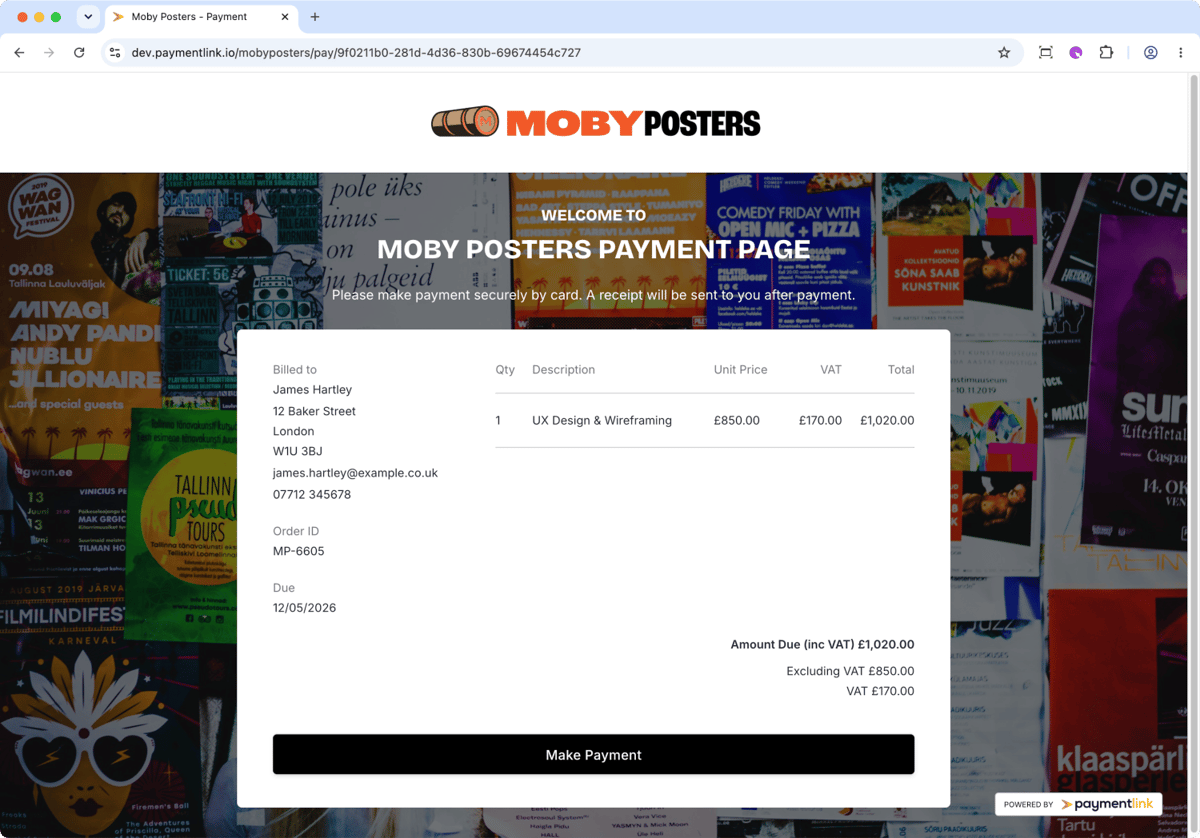
A payment link is a web address connected to a payment request or payment page. You can send it to a customer in a message, email, invoice note, proposal, booking confirmation or social DM.
Payment links are useful when the customer is not physically present, or when you want to create a specific request for a quote, deposit, package, or balance.
What is a QR code payment?
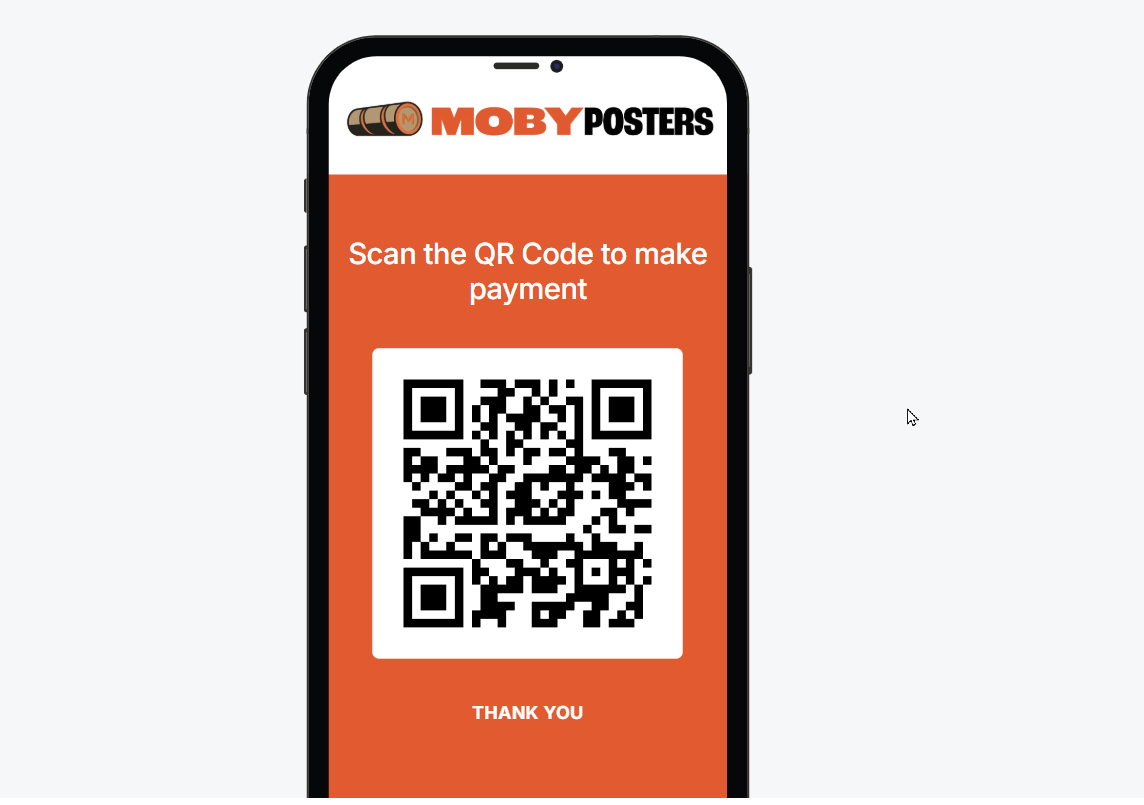
A QR code payment changes that destination into a code you can scan. The customer opens their phone camera, scans the code, and goes to the payment page.
QR codes are useful in face-to-face situations where sending a link would be slower than showing a code.
Payment link vs QR code comparison
| Factor | Payment link | QR code |
|---|---|---|
| Best channel | Email, WhatsApp, SMS, Messenger, invoice notes and social DMs. | Counter, stall, appointment, event, classroom, van or reception desk. |
| Customer action | Tap or click the link. | Scan the code with a phone camera. |
| Best for | Remote payments, quotes, deposits and follow-ups. | In-person payments and printed signs. |
| Main risk | Link may be buried in messages. | The customer may scan the wrong or tampered code if the display is not controlled. |
| Best practice | Add a clear message explaining the payment. | Print clear instructions and use a branded page. |
When to use a payment link
Use a payment link when the customer has agreed to pay but is not with you. For example:
- Sending a deposit request after a quote.
- Collecting a balance after project completion.
- Taking payment for an online tutoring lesson.
- Sending a consultation fee via WhatsApp.
- Requesting payment for a custom product order.
- Following up after a phone call.
When to use a QR code
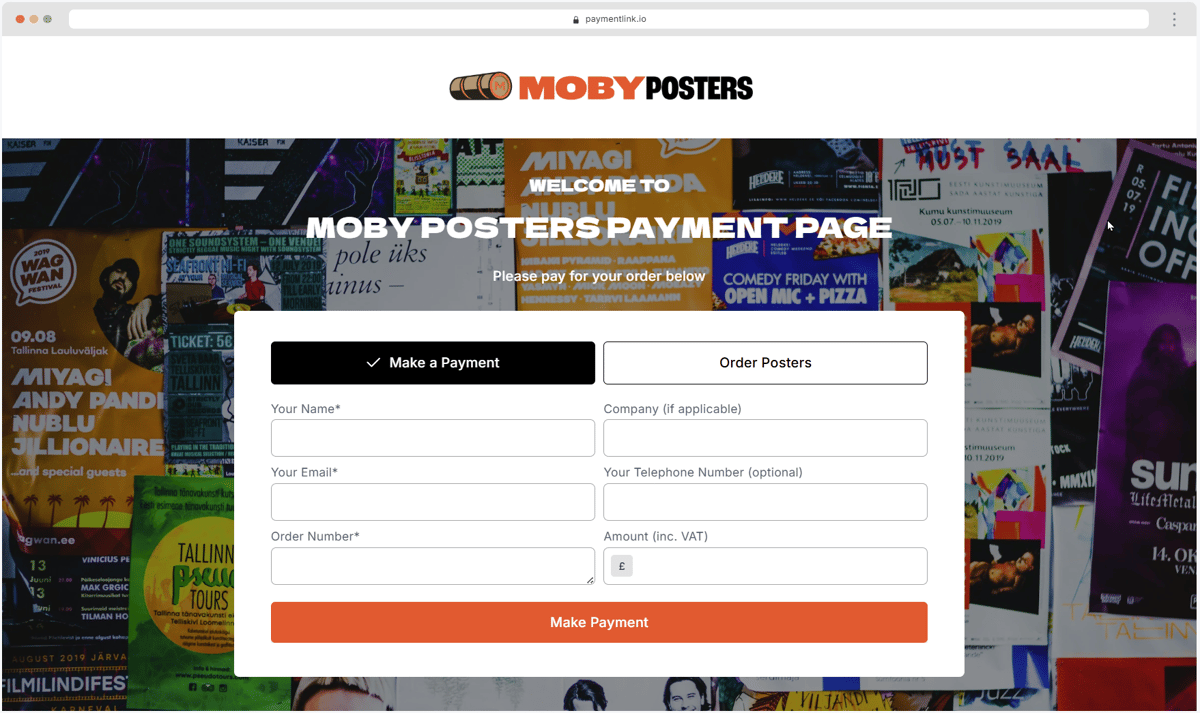
Use a QR code when the customer is physically present or looking at printed material. For example:
- At a market stall or pop-up.
- At a class, workshop or event.
- At a service desk or reception.
- On a delivery note or printed price list.
- At the end of a trade job.
- On a table sign, poster or appointment card.
Customer behaviour supports both formats.
UK Finance reported continued growth in mobile wallets and card payments, with cards making up 64% of UK transactions in 2024. Both links and QR codes match that behaviour because they take the customer to a mobile-friendly payment page.
The right choice is usually the one that matches the customer's current context: tap a link when they are in a message thread, scan a code when they are physically present.
How PaymentLink.io helps you use both
With PaymentLink.io, you can create a payment link and also use QR code payments for in-person collection. The destination can be a clear, branded payment page rather than a confusing, generic page.
You can also use small online stores for fixed-price items and link to those pages from social profiles, printed QR codes, or customer messages.
What not to do
Do not send customers multiple payment options for the same amount unless you explain which one to use. Do not print QR codes without checking them. Do not use short links that hide where the payment goes and do not leave the customer guessing what the payment is for.
Whether you use a link or a code, the payment page should clearly show your business name, the amount, and the reason for payment.
A simple rule
Use payment links for remote conversations. Use QR codes for face-to-face moments. Use the same branded payment experience behind both wherever possible.
Start with payment links and add QR code payments wherever scanning is easier than typing or tapping a link.
How to decide quickly in real situations
Use the customer's context as the decision point. If the customer is already in a message, send a payment link. If the customer is looking at a sign, receipt, counter or printed card, use a QR code.
If the customer may need to return to the payment later, a link can be easier to find in a message. If you want to reduce physical typing, a QR code is easier.
In many cases, the same payment page can appear behind both options, keeping your process consistent.
- A message thread means a link.
- Physical location means QR.
- Use branded pages behind both.
- Keep descriptions consistent.
Before you make your link and QR setup live
Treat the payment process as part of the service customers see, not just an admin shortcut. View the page on a mobile phone, check the spelling of the offer or service name, and ensure the amount matches what the customer agreed to. A small mistake can cause doubt at the moment you want the customer to pay.
Next, test the path from the channel that customers will actually use. If the customer receives it via WhatsApp, open the link in WhatsApp. If they scan a sign, print a draft QR code and scan it with a regular camera app. If they will pick from a small list, check that the item names make sense without you having to explain them in person.
Finally, keep the payment flow easy to maintain. Remove old links, update seasonal prices, and keep staff or collaborators using the same approved wording. That consistency helps your flexible payment route feel trustworthy and makes the payment step easier to repeat as the business grows.
Use payment links to create the customer-facing payment flow, then keep refining the wording and placement based on customer questions.
We’re fanatical about your success.
Start with a 30-day free trial - no restrictions, no monthly commitments or tie-ins.Start changing the way you take payments and make your life easier.


