


QR Code vs Card Machine: Which Should Your Business Use?
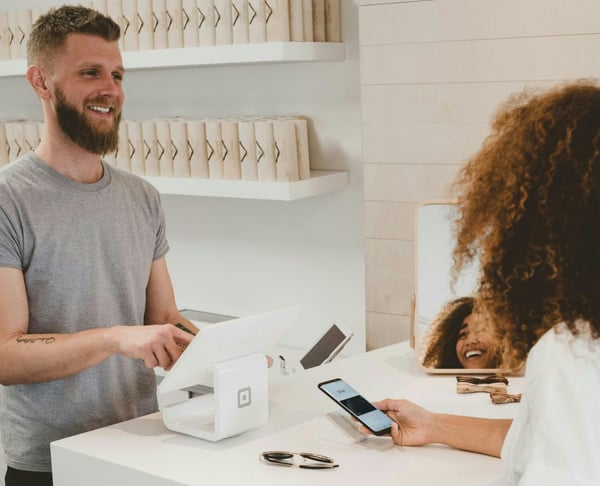

Choosing the right in-person payment setup
Choosing between QR code and card machine payments is not a simple all-or-nothing choice. A card machine is still helpful for fixed checkout counters and very fast tap-to-pay lines. QR code payments often work better for mobile work, events, appointments, deposits, and small businesses that want card-like convenience without a physical device.
The right choice depends on where you sell, how often you take in-person payments, the average sale amount, and how much setup you want. PaymentLink.io is made for businesses that want an easier way to collect payments using QR codes, payment links, and branded payment pages.
What a QR code payment does
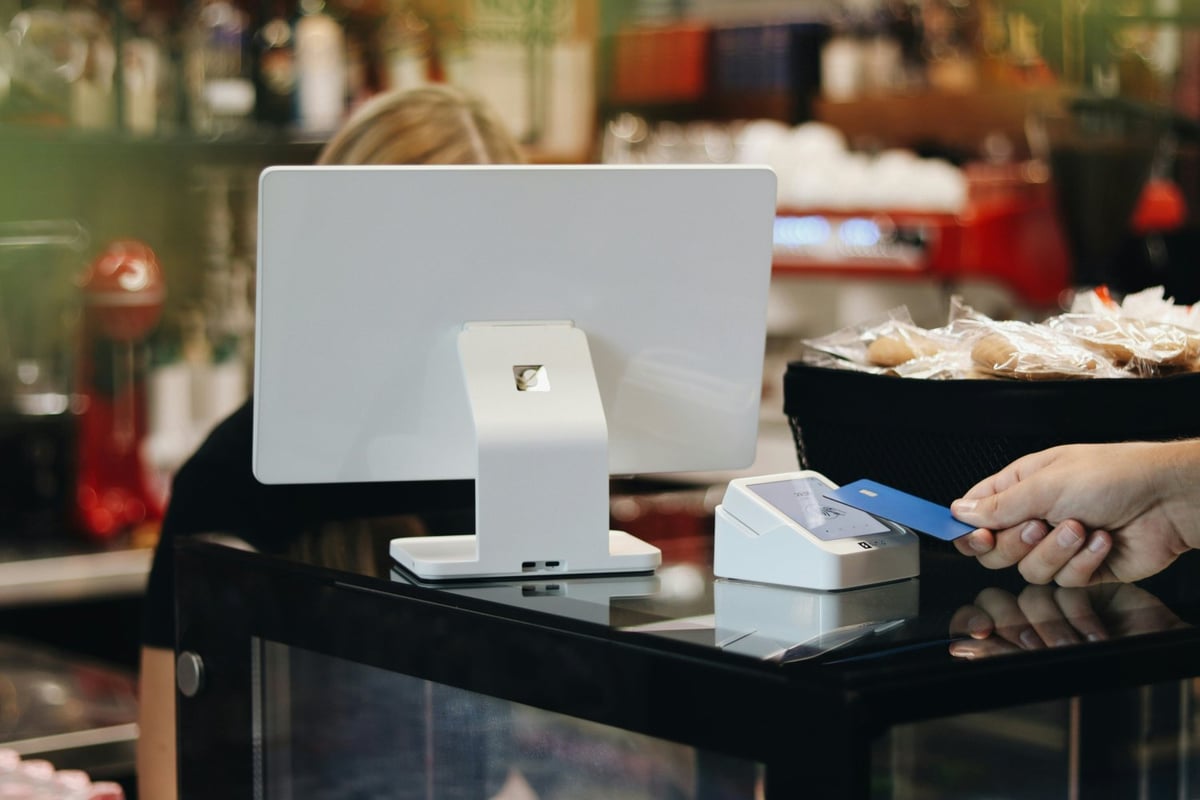
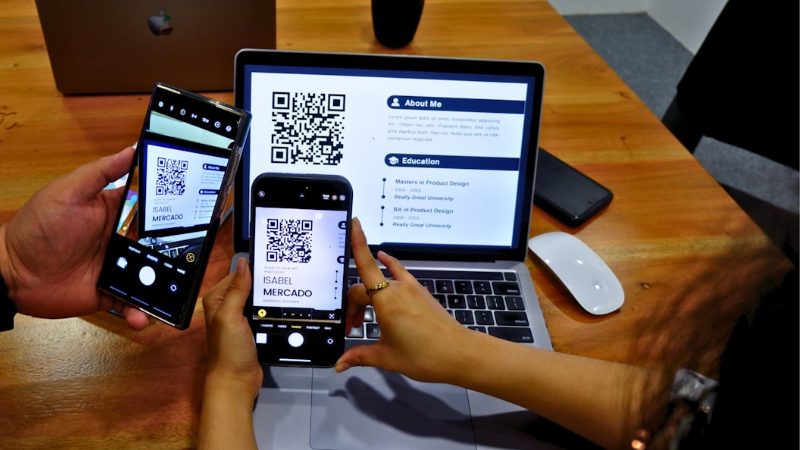
A QR code payment takes the customer to a payment page on their own phone. They scan the code, check the details, and pay online. This can be done from a printed sign, phone screen, reception desk, invoice, appointment card, or product label.
QR payments are helpful when the customer is with you, but you don't want to use a terminal. They also work well if you want either a single code that links to a payment page or different codes for different products, services, or places.
What a card machine does
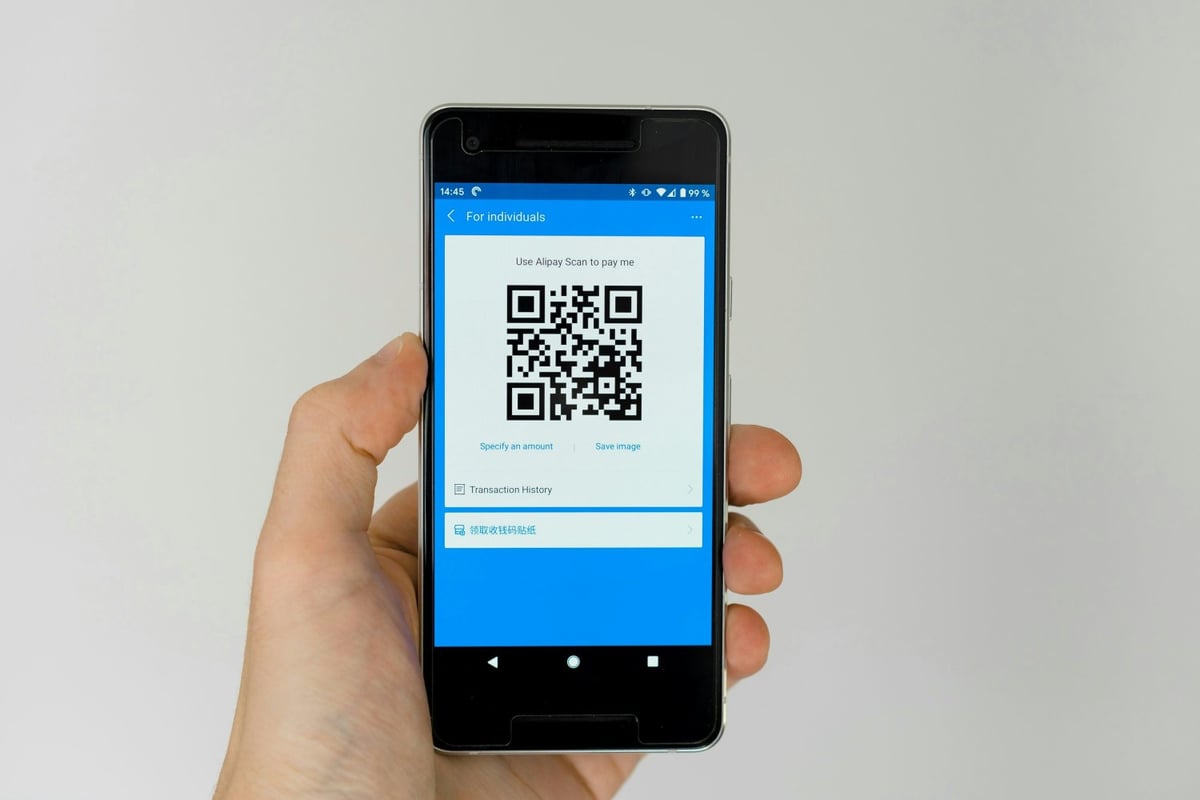
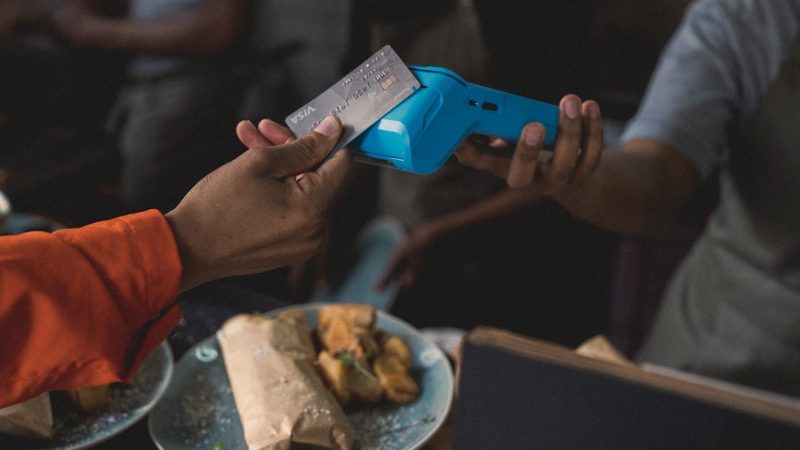
A card machine, also called a card terminal, accepts chip-and-PIN cards, contactless cards, and sometimes mobile wallets at the checkout. Customers know it well, and it is fast for retail lines.
The downside is that the device must be purchased, rented, charged, connected, and managed. For a permanent retail counter, this might be worth it. For mobile services, occasional markets, or appointment-based businesses, it can be more than you need.
QR code vs card machine comparison
| Factor | QR code payment | Card machine |
|---|---|---|
| Setup | Create a payment page and display the code. | Buy, rent or activate hardware and payment services. |
| Customer action | Scan and pay on phone. | Tap, insert or use your phone wallet at the terminal. |
| Best location | Appointments, events, mobile work, counters and service desks. | Busy tills and high-volume retail. |
| Branding | Can show a branded page with business details. | Usually shows limited information on a small terminal screen. |
| Backup value | Useful if a terminal is unavailable. | Useful if customers do not want to scan. |
| Main limitation | Needs a smartphone and internet access. | Needs hardware, battery and connectivity. |
Where QR code payments are better
QR code payments often work better when the payment is not a quick checkout. For example, a decorator finishing a job, a tutor collecting payment for several lessons, a consultant taking a workshop deposit, or a stallholder selling at a community event.
Because the customer is on the page, you can show the business name, payment details, and amount before they pay. This can feel more reassuring than a vague bank transfer request or a card machine screen with little information.
Where a card machine may still win
A card machine may be better if you run a shop with steady customer flow, small, quick purchases, and customers who expect to tap their card right away. In these cases, scanning a QR code might slow things down.
Card machines can also help when customers have a weak mobile signal, a low phone battery, or accessibility needs that make scanning difficult. A good payment setup should not make customers feel bad for choosing a different, reasonable method.
What the payment data suggests
Customer habits show the need for digital payment options. UK Finance says in its 2025 payment markets summary that debit card use is expected to keep growing, helped by contactless payments, online shopping, and more businesses accepting cards.
That does not mean every business needs the same devices. It means customers expect easier ways to pay without needing cash or typing bank details.
How PaymentLink.io helps you use QR Code as a lightweight alternative
With PaymentLink.io, you can use a branded payment page behind your QR code. You can also make specific payment links for one-time jobs or use a small online store page for fixed-price products and packages.
For businesses choosing between a QR code and a card machine, PaymentLink.io lets you try card-style payments before buying extra devices. You connect your own Stripe account and use PaymentLink.io as the branded payment experience and process.
A practical rule of thumb
Use a card machine if you mainly need very fast tap-to-pay at a fixed checkout. Use QR code payments if you mainly need flexibility, branding, mobile payments, appointments, event sales, or a backup payment option.
Explore QR code payments to give customers a simple scan-to-pay option without making your payment process harder than it needs to be.
Cost, setup and operational considerations
When comparing QR code and card machine, think beyond just the payment. Hardware refers to tasks such as charging devices, updating software, managing connections, and training staff. QR payments shift more work to the customer's phone, potentially reducing the need for hardware.
However, QR payments still need a reliable payment page, clear signs, and a customer who knows how to scan. A weak mobile signal or a confusing page can slow things down.
The best setup is often a mix. Use the card machine where fast tapping is clearly better, and use QR payments for mobile work, appointments, events, or as a backup when a terminal is less practical.
- Compare the total setup effort, not just the fees.
- Think about queue speed and customer context.
- Keep a backup payment route ready.
- Review customer feedback after a few weeks.
Before you make your QR payment option live
Treat the payment process as part of your customer service, not just a shortcut. View the page on a mobile phone, check the spelling of the offer or service name, and ensure the amount matches what the customer agreed to. A small mistake can cause doubt right when you want the customer to pay.
Next, test the payment method that the channel customers will use. If they get it by WhatsApp, open the link from WhatsApp. If they scan a sign, print a draft QR code and scan it with a regular camera app. If they pick from a small list, make sure the item names are clear so you don't have to explain them in person.
Finally, keep the payment process easy to manage. Remove old links, update seasonal prices, and make sure staff or partners use the same approved wording. This consistency makes your backup card machine option feel trustworthy and makes the payment step easier to repeat as your business grows.
Use QR code payments to create the payment option customers see, then keep improving the wording and placement based on the questions customers ask.
We’re fanatical about your success.
Start with a 30-day free trial - no restrictions, no monthly commitments or tie-ins.Start changing the way you take payments and make your life easier.


