


Selling on Instagram or WhatsApp Without a Website: A Payment Guide


Move from message to payment without a website
Selling on Instagram without a website means turning a chat into a simple payment step. If a customer messages you about a product, service, package, or booking, you need a way to send them to a secure payment page without requiring them to enter bank details manually.
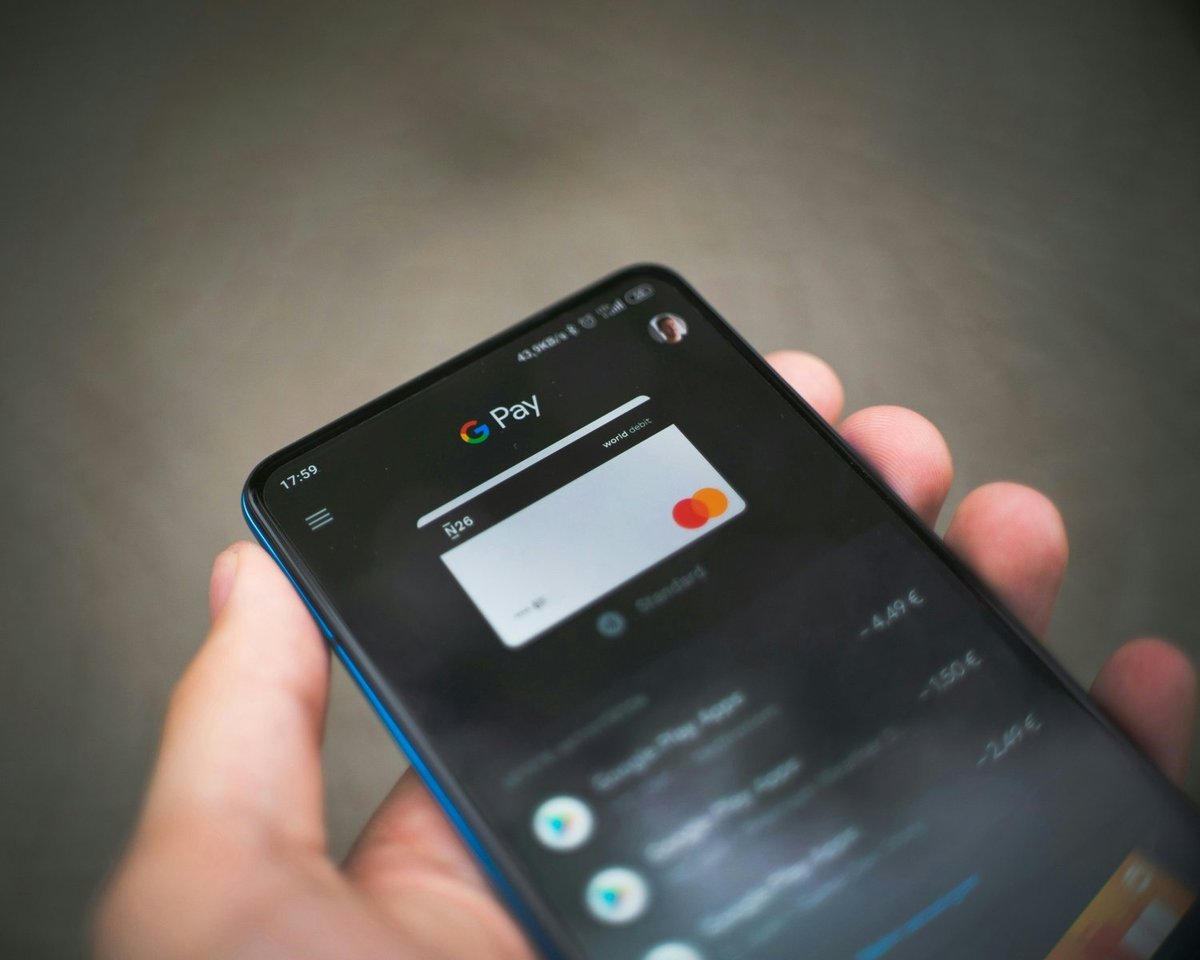
PaymentLink.io helps social sellers, freelancers, and small businesses send payment links via Instagram DMs, WhatsApp, Facebook messages, TikTok questions, or email. You can also use a small online shop page to display a list of products or packages.
Why social selling needs a proper payment step
Social platforms are good for finding customers and chatting, but they are not always designed for your payment process. A customer might ask about size, colour, price, booking time, or delivery cost in a message. If payment is unclear, the sale can be delayed.
Your goal is to make the next step clear: this is what you are buying, this is the price, and this is the safe page to pay.

The best payment options for Instagram and WhatsApp sellers
| Situation | Payment option | Example |
|---|---|---|
| One product or custom order | Payment link | A handmade item, design deposit or agreed quote. |
| Small product list | Micro e-commerce page | Candles, prints, workshops, packages or gift boxes. |
| Repeat customers | Branded payment page | A familiar pay-now page for regular buyers. |
| In-person collection | QR code payment | Customer scans when collecting from a stall or studio. |
What to send in the message
Do not send just a plain link. Add some explanation so the customer feels safe opening it. A good payment message is short, clear, and friendly.
Example:
Thanks, I have reserved the medium gift box for you. You can pay here: [payment link]. The page will show the item, amount and our business name before you confirm payment. Once paid, I will message you with collection details.
How to avoid looking unprofessional
Many small sellers inadvertently make payments seem risky. They send bank details in plain text, use different account names, or ask customers to send screenshots of transfer confirmations. That might work with close friends, but it can feel strange to new buyers.
A branded payment page creates a more professional impression because the buyer sees your business name, payment details and a proper checkout flow.
Learn how branded payment pages can build customer trust before a buyer completes payment.
Digital tools can support small business growth
The UK Digital Strategy shows that digital skills helped UK businesses increase income and reduce costs. For a small seller, the first helpful digital step is often not a complicated website. It is a payment process that makes it easier to turn interest into paid orders.
That process can start within the apps you already use. You can keep chatting on Instagram or WhatsApp, then send a payment link when it is time to pay.
Learn how to send a payment request by WhatsApp when a customer is ready to pay.
Where PaymentLink.io fits
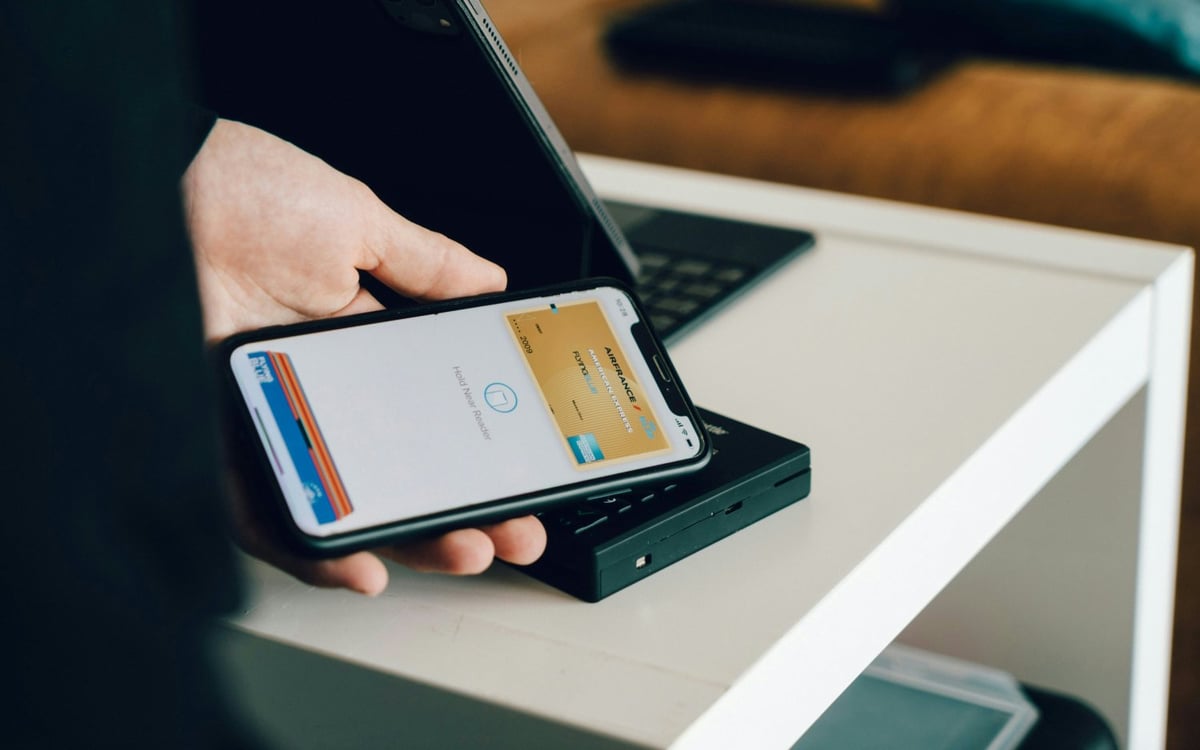
With PaymentLink.io, you can create a specific payment link for an agreed order, a small online shop page for set products or packages, and a QR code payment for pick-up or pop-up sales. Customers can pay by card, Apple Pay, or Google Pay where available.
If you already sell through social messages, PaymentLink.io gives you a payment step that feels clearer than sending account details and waiting for proof of transfer.
When you may still need a website
A website is useful if you want to attract search visitors, offer a large product list, provide policies, publish blog posts, support customer accounts, or share detailed data. However, you do not always need a website to get paid online. Selling without a website works best when your customers already find you through social media, recommendations, or repeat purchases.
Start by making payment clear. Once you know what sells, you can decide whether a full website is worth building.
A simple social selling workflow
Answer the question, confirm the product or service, make the payment request, send the link with a short message, and follow up with next steps after payment. Keep the payment link specific to the order when the price is custom.
To start, create a payment link and include it in your next Instagram or WhatsApp payment message.
How to build trust when selling through DMs
A new buyer may like your product but still be unsure about paying via a message. Trust signals matter more when there is no full website. Use consistent profile branding, clear product photos, public contact details where appropriate, and a payment page that matches your business name.
Do not rush the customer from the first question to the payment link. Answer the main buying questions first, then send the payment link once the item, price, and delivery or pick-up details are agreed.
After payment, confirm the next step in the same chat. That completes the process and makes the buyer more likely to order again.
- Keep your social profile details consistent.
- Send payment links only after confirming the order.
- Use branded payment pages.
- Confirm collection, delivery or booking after payment.
Before you make your social selling payment setup live
Treat the payment process as part of your service that customers see, not just a quick admin step. Check the page on a mobile phone, check the spelling of the offer or service name, and make sure the amount matches what the customer agreed to. A small mistake can create doubt at the moment you want the customer to pay.
Next, test the path customers will actually use. If the customer gets it via WhatsApp, open the link from WhatsApp. If they will scan a sign, print a draft QR code and scan it with a regular camera app. If they will pick from a small list, check that the item names make sense without you explaining them in person.
Finally, keep the payment process easy to manage. Remove old links, update seasonal prices, and ensure staff or helpers use the same approved wording. That consistency helps your DM-to-payment process feel trustworthy and makes the payment step easier to repeat as the business grows.
Use payment links to create the payment path customers see, then keep improving the wording and placement based on the questions customers ask.
We’re fanatical about your success.
Start with a 30-day free trial - no restrictions, no monthly commitments or tie-ins.Start changing the way you take payments and make your life easier.


