


Do You Need a Website to Get Paid Online?
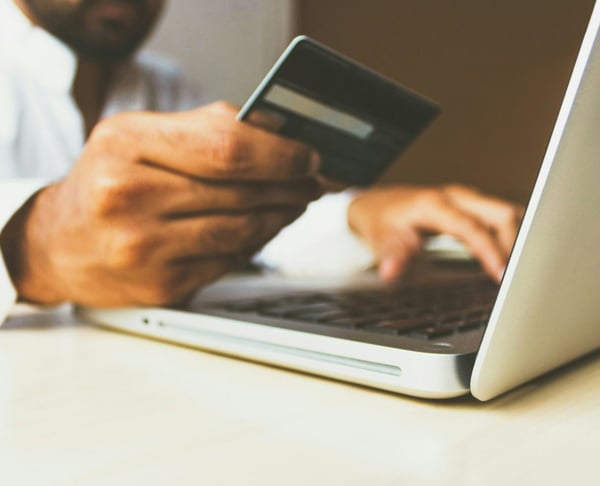

You need a way to pay, not always a full website.
Do I need a website to accept payments? Not always. A website can help with marketing, online visibility, and trust, but the payment step itself can occur via a payment link, a branded payment page, a QR code, or a small product page.
PaymentLink.io is made for businesses that want an easy way to get paid online without making a full website first. You can create payment requests, special payment pages, QR code payments and small online stores all in one branded setup.
Website vs online payment route
A website is your overall online presence. A payment route is the exact method a customer uses to make a payment. You can have one without the other, especially if your customers already find you through referrals, social media, WhatsApp, email, events, or repeat bookings.
| Need | Full website | Payment link or payment page |
|---|---|---|
| Explain your brand in detail | Best option. | Limited. |
| Show up on Google search. | Best option over time. | Not the main purpose. |
| Take a one-off payment. | Possible, but may require more setup. | Strong fit. |
| Collect deposits | Possible. | Strong fit. |
| Sell a short fixed price list. | Possible. | Micro e-commerce can be enough. |
| Take in-person payments | Not usually enough on its own. | QR code payment can help. |
When you can take payments without a website
You can often start without a full site when the customer already knows what they want. For example:
- A client accepts a quote by email.
- A parent books a tutoring block via WhatsApp.
- A customer buys through an Instagram DM.
- A trade customer needs to pay after a job.
- A workshop attendee reserves a place.
- A repeat customer wants to pay an invoice or balance.
The simple payment options
Instead of building a website first, pick the easiest payment method for the job.
- Use a payment link for custom amounts, deposits and one-time requests.
- Use a branded payment page as a permanent pay-now destination.
- Use QR code payments for in-person scan-to-pay moments.
- Use small online stores for fixed-price products, services, packages and extras.
Why digital readiness matters
The UK Digital Strategy shows that digital skills can help businesses make more money and spend less. For a small business, collecting payments online is often one of the most useful digital improvements because it makes it easier to complete a sale that has already been agreed upon.
This does not mean you should never build a website. It means you can start collecting payment before a full site is ready.
Where PaymentLink.io fits
With PaymentLink.io, you link your own Stripe account and use PaymentLink.io to create the payment experience your customers see. Customers can pay by card, Apple Pay or Google Pay, where available, and the payment page can feel more connected to your business than just a simple bank transfer instruction.
To learn more about the wider approach, see how to sell services online without a website and how to create a payment link for a business.
When a website is still worth building
A website is worth building if you need to be found by search engines, showcase your work, list your services, share case studies and policies, run a blog, provide detailed product info, or build a stronger brand. It can also help customers check your business before paying.
Payment links should not hide important information. If your service requires terms, booking rules, or detailed explanations, share them clearly before sending the payment request.
A practical path for small businesses
Start with a payment link or a branded payment page to collect payments from current customers. Then add a simple landing page or full website when you need more ways for new customers to find you, more content or more trust.
Explore branded payment pages to accept payments online without waiting for a full website build.
How to look credible without a full website
If you do not have a website yet, trust comes from being consistent. Use the same business name, logo, email, social profile and payment page look wherever customers meet you.
A full website can build trust, but a payment experience that does not match can still cause doubt. Make sure the customer can link the payment request to the conversation they just had with you.
For higher-value services, share a proposal, portfolio, brochure or terms document before sending the payment link.
- Use consistent business details.
- Match the payment request to the conversation.
- Share terms where needed.
- Add a website later when it supports growth.
Before you make your no-website payment setup live
Treat the payment process as part of the service customers see, not just a quick admin step. View the page on a phone, check the spelling of the offer or service name, and ensure the amount matches what the customer agreed to. A small mistake can cause doubt right when you want the customer to pay.
Next, test the payment path from the channel that customers will use. If they get it by WhatsApp, open the link from WhatsApp. If they will scan a sign, print a test QR code and scan it with a regular camera app. If they pick from a small list, make sure the item names are clear so you don't have to explain them in person.
Finally, keep the payment process easy to manage. Remove old links, update prices for each season, and ensure staff or helpers use the same approved wording. This consistency helps your online payment page feel trustworthy and makes the payment step easier to repeat as your business grows.
Use branded payment pages to create the customer-facing payment flow, then keep refining the wording and placement based on customer questions.
We’re fanatical about your success.
Start with a 30-day free trial - no restrictions, no monthly commitments or tie-ins.Start changing the way you take payments and make your life easier.


