


QR Code Payments for Small Business: How They Work
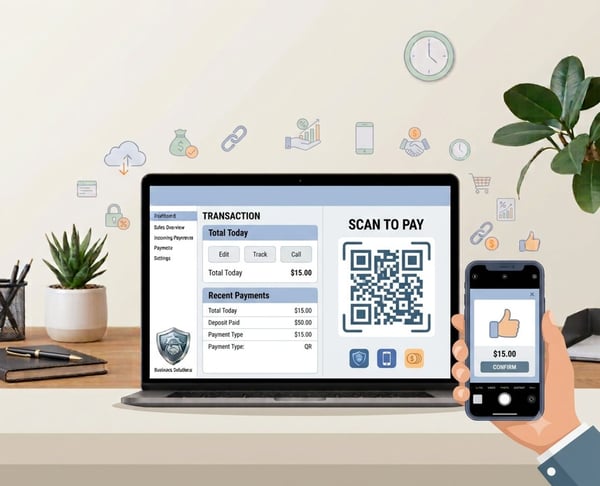

A simple way to take in-person payments
QR code payments for small businesses give customers an easy way to pay by scanning the code. Instead of giving a card machine, asking for cash, or sharing bank details, you show a QR code that opens a safe payment page on the customer's phone. They check the amount, confirm the business details, and pay by card, Apple Pay, or Google Pay if available.
For a small business, the benefit is practical. You can accept payment at a counter, appointment, service desk, market stall, class, event, or customer visit without buying a physical card reader. With PaymentLink.io, the QR code links to a branded payment page tailored to your business, rather than a plain, confusing checkout page.
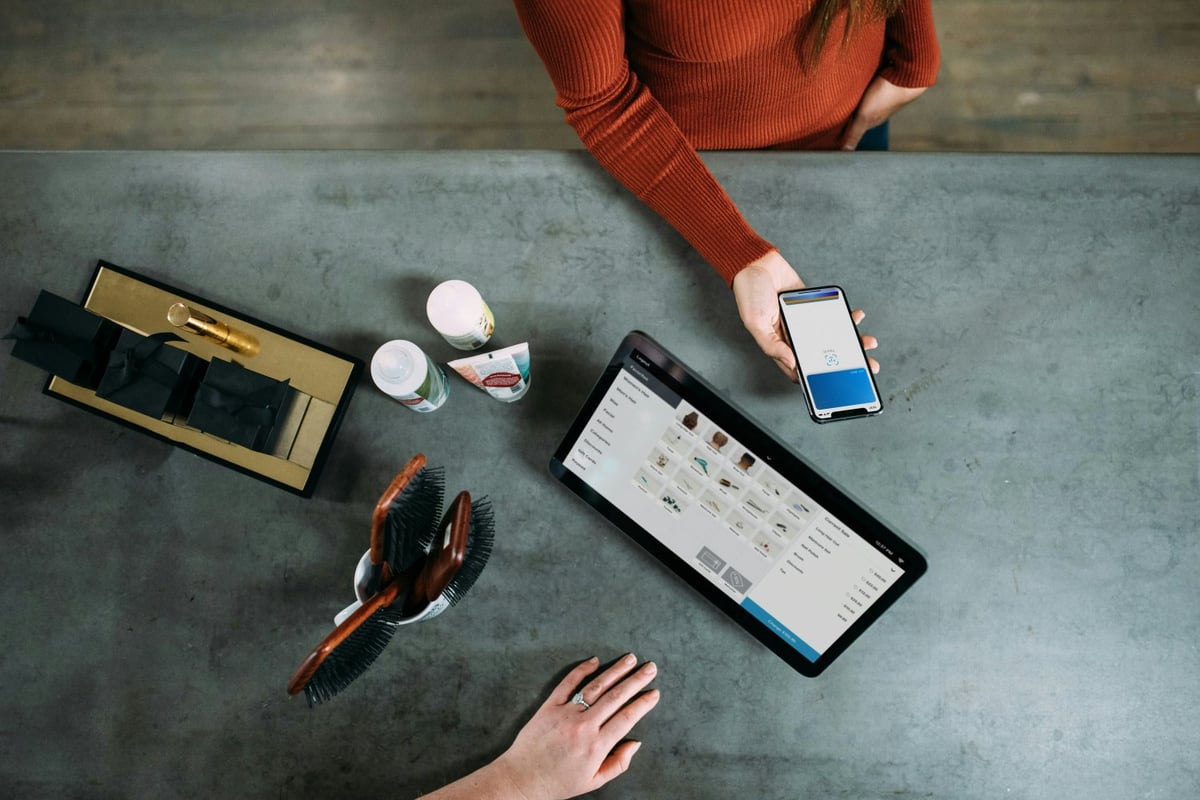
How QR code payments work for a small business
At its simplest, a QR code is a scannable shortcut to a web page. For payments, that page usually shows a payment link or form where the customer can enter or confirm payment details.
Flow:
- You create a payment request, product, service, or payment page.
- The system generates a QR code that points to that payment page.
- You display the QR code on your phone, a printed sign, an invoice, a counter card, an appointment card, a table stand, or a screen.
- The customer scans it with their phone camera.
- They land on a payment page, check the amount and description, then pay online.
- You receive payment confirmation in your dashboard, and the customer can receive a receipt or payment confirmation.
| Payment situation | How a QR code helps |
|---|---|
| Face-to-face service | The customer scans and pays while you are still with them. |
| Counter or reception desk | A printed code can stay visible without a card terminal being passed around. |
| Event or pop-up | You can take payment by phone, poster, table sign, or printed price list. |
| Appointment-based work | The customer can pay for a session, a deposit or a package straight after booking. |
Why customers are comfortable scanning to pay
Customers are already used to paying with their phones. UK Finance reported that cards accounted for 64% of UK transactions in 2024, with debit cards the most common, and that 18.9 billion contactless card payments were made that year. The habit of tapping, scanning, and paying on a phone is now normal.
That does not mean every customer will instantly scan any code they see. Trust still matters. The payment page needs to look connected to your business, the amount should be clear, and the customer should recognise the name they are paying.
Where QR code payments fit best
QR code payments work best when the sale happens face-to-face, but the payment is made online. This makes them useful for local, mobile, and service-based businesses that don't want to carry a card reader everywhere.
Good examples include:
- Tradespeople collecting payment after a repair, call-out or extra agreed work.
- Personal trainers sell a block of sessions at the end of a consultation.
- Tutors collecting payment for an assessment lesson or study pack.
- Market traders and small retailers are taking card-style payments at pop-ups.
- Photographers taking deposits at events or consultations.
QR code payments for small businesses vs a card machine
QR code payments and card machines both let you accept card payments, but they fit different needs. A card machine is good when you have many customers, fast lines, or people who expect tap-to-pay at a fixed checkout. A QR code payment is often better when you want flexibility, easier setup, and the ability to pay with a phone or a printed sign.
| Option | Best for | Main limitation |
|---|---|---|
| QR code payment | Mobile work, appointments, events, service desks and occasional in-person payments. | The customer needs a smartphone and an internet connection. |
| Card machine | Busy retail counters and fast in-store queues. | Please consider costs for hardware, charging, internet connection, and the card reader. |
| Bank transfer | Known customers and larger B2B payments. | It can create manual matching and chasing. |
| Cash | Very small payments or customers who prefer cash. | It creates handling, change and security issues. |
How PaymentLink.io supports QR payments
PaymentLink.io lets you connect your own Stripe account, create payment links, special payment pages, QR code payment steps, and small online stores, allowing customers to pay through a clear online page. If your business wants to accept QR code payments without using a physical card reader, this offers a useful option.
You can use a one-time payment link for a specific job, a branded payment page for repeat payments, or a small online store page for fixed-price products and services. The goal is not to replace every payment method but to give customers a clearer way to pay when they want.
Common mistakes to avoid
QR payments work best when the customer does not have to guess what is happening. Avoid these common mistakes:
- Using a generic-looking payment page with no business name or payment description.
- Displaying a QR code with no instructions, such as scan to pay or Pay for your session here.
- Letting old printed codes stay in circulation after a price change.
- Using random QR code generators that do not clearly connect to your payment process.
- Making customers ask separately for the amount, reference, or account details.
A practical setup for your first QR payment
Start with one simple, repeatable use case, such as a consultation fee, a deposit, a service call, or a fixed-price product at an event. Make a clear payment request, add a short description, and test scanning it on your own phone before showing it to customers.
When you are ready, set up your QR code payment process to make in-person payments easier without adding another device to your counter, bag, or service routine.
How to introduce QR payments to customers
Put the instruction in plain English. A sign that says Scan to pay is better than a code with no context. Include the business name, the payment type, and a note reminding customers to check the amount before confirming.
If staff help, give them one sentence to say at the counter or during appointments. For example, you can scan this code to open our payment page with the amount already shown. This short explanation can ease customers who haven't paid this way before.
Keep a backup option available, too. Some customers may want a payment link by text or email, while others may need a different method. QR code payments work best when they add convenience, not when they are the only choice.
- Display the code where the customer naturally looks at the payment moment.
- Use a branded page so the customer recognises your business.
- Test the scan every time you reprint signage.
- Train staff to explain the process in one sentence.
Before you make your QR code payment live
Treat the payment process as part of your customer service, not just an admin step. View the page on a mobile phone, check the spelling of the offer or service name, and ensure the amount matches what the customer agreed to. Even a small mistake can cause doubt when you want the customer to pay.
Next, test the route from the channel customers will actually use. If the customer receives it via WhatsApp, open the link in WhatsApp. If they scan a sign, print a draft QR code and scan it with a standard camera app. If they will choose from a short list, check that the item names make sense without you explaining them in person.
Finally, keep the payment process easy to update. Remove old links, update seasonal prices, and make sure staff or partners use the same approved wording. This consistency helps your scan-to-pay option feel trustworthy and makes payments easier as your business grows.
Use QR code payments to create the customer payment path, then keep improving the wording and placement based on customer questions.
We’re fanatical about your success.
Start with a 30-day free trial - no restrictions, no monthly commitments or tie-ins.Start changing the way you take payments and make your life easier.


